
Room Configurations San Luis Obispo
Huddle Room (2–5 People)
| Attribute | Details |
|---|---|
| Capacity | ~2-5 people (or up to ~6) |
| Typical Equipment | One wall-mounted 43″-55″ display; an all-in-one video bar with camera/mic/speakers; small table; minimal AV rack or none. |
| Recommended Platforms | Zoom Rooms, Microsoft Teams Rooms, Google Meet — any plug-and-play solution will work. |
| Key Considerations | Simple to deploy, cheap per seat, focus on ease-of-use. Use cable management and good lighting even in small rooms. Correct audio pickup is critical (even small rooms can have bad acoustics). PFU+2Yealink+2 |

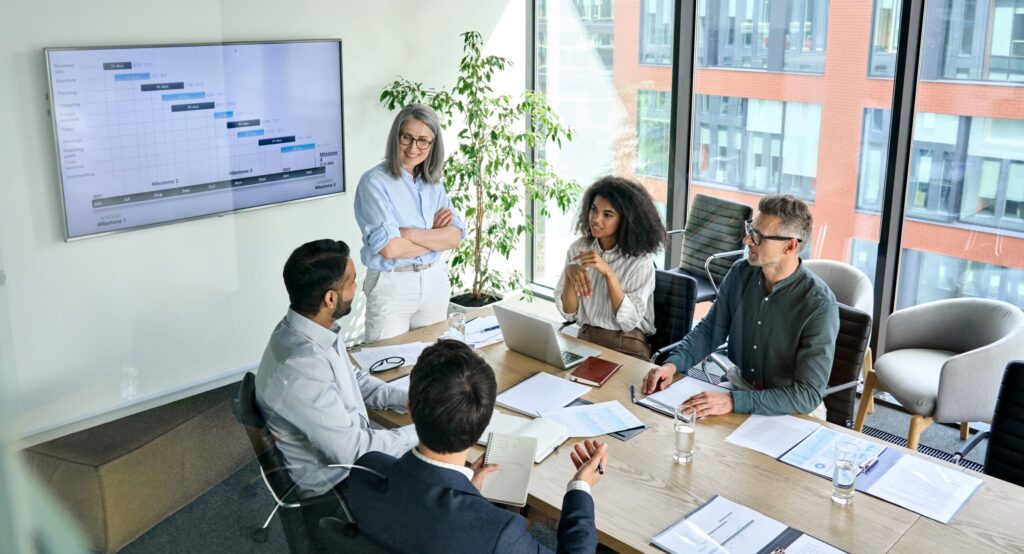
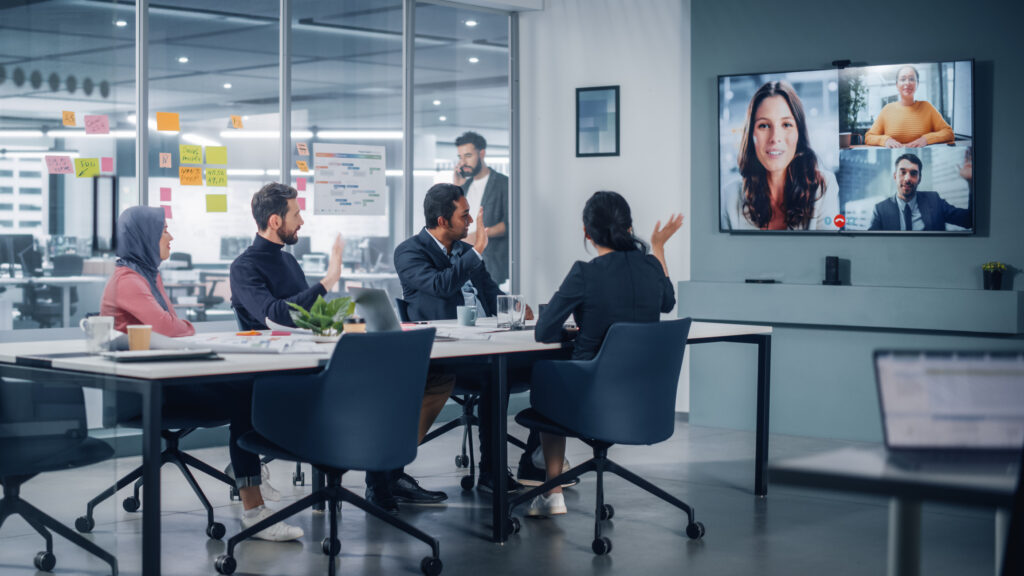
Purpose: Quick team meetings, ad-hoc discussions, or small remote collaboration.
Typical Equipment:
- 1 wall-mounted display (43″–55″)
- All-in-one soundbar with integrated camera/microphones (e.g., Logitech Rally Bar, Poly Studio)
- Tabletop touch controller or wireless presentation device (e.g., Barco ClickShare)
- Compact PC or compute module behind the display
Small Meeting Room (4–8 People)
| Attribute | Details |
|---|---|
| Capacity | ~4-8 people |
| Typical Equipment | One or two displays (55″-65″); a PTZ (pan-tilt-zoom) camera or high-quality video bar; ceiling/table microphones; good speakers; wall/outlet power and HDMI/USB-C connectivity at table. |
| Recommended Platforms | Zoom Rooms, Microsoft Teams Rooms, Webex Rooms — all typical. |
| Key Considerations | Need to ensure all participants are visible and audible; camera positioning matters; microphone coverage must include participants who might be at the ‘back’ of the room; display size and visibility of remote participants + shared content. Logitech+1 |
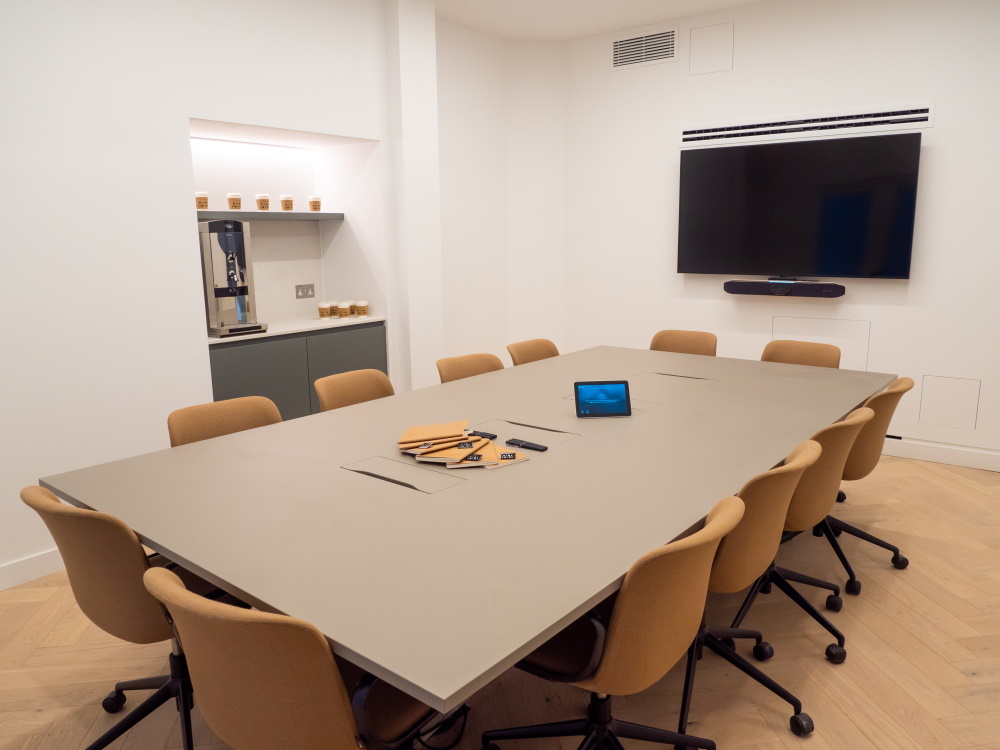
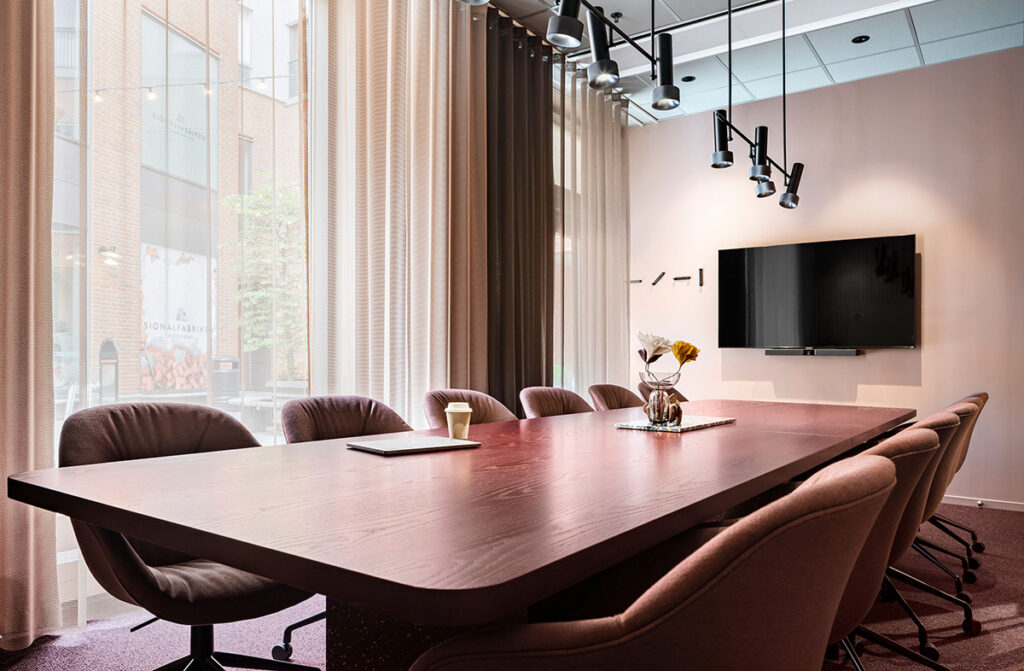
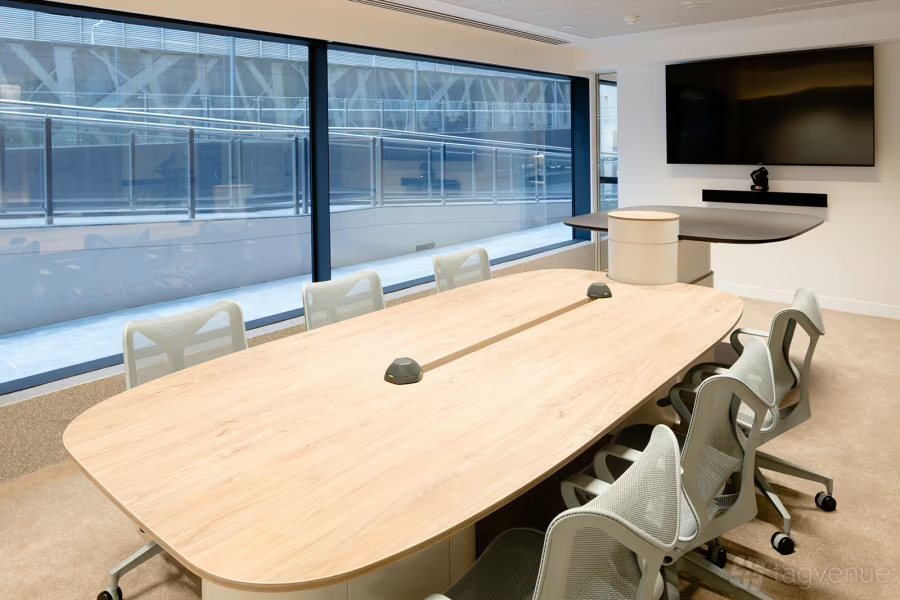
Purpose: Regular team meetings or client calls.
Typical Equipment:
- 1 or 2 displays (55″–65″)
- Pan-tilt-zoom (PTZ) camera with auto-framing
- Ceiling or table microphones
- Wall or ceiling speakers
- Table connectivity (HDMI, USB-C, Power)
- Room scheduling panel at the entrance
Medium Conference Room (8–15 People)
| Attribute | Details |
|---|---|
| Capacity | ~8-15 people |
| Typical Equipment | Dual displays (one for video, one for content) – e.g., 65″-75″; AV rack with codec/PC; multiple microphones (ceiling array or table mics); ceiling speakers; a camera with tracking or wide-angle; control system for ease of use. |
| Recommended Platforms | Zoom Rooms, Teams Rooms, Webex Rooms — can support advanced features like room analytics, auto-framing. |
| Key Considerations | Complexity increases: acoustics become more important, need to avoid audio echo/reverb; camera angles need to cover more people; ensure that remote participants can see content + people adequately. Budget and cabling start becoming significant. Awaio+1 |
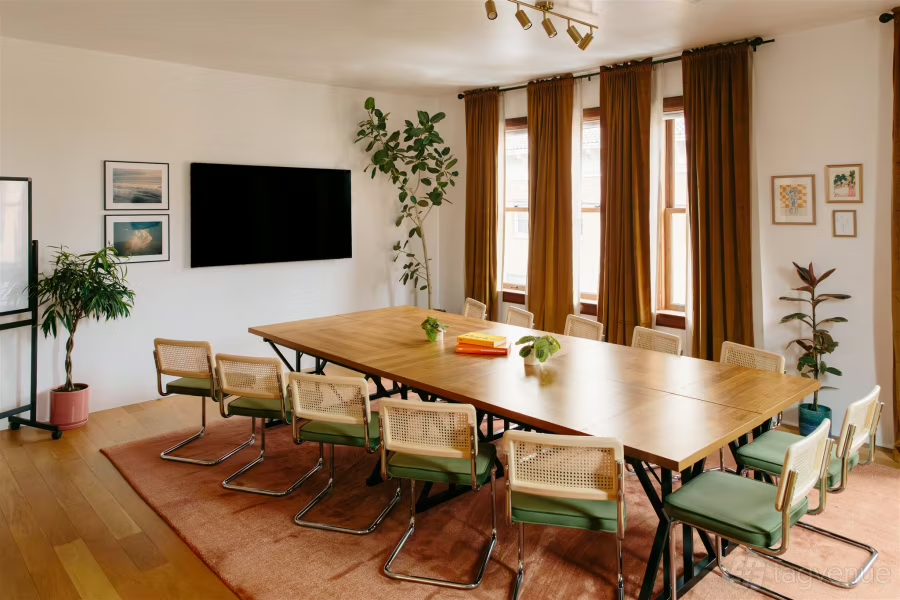
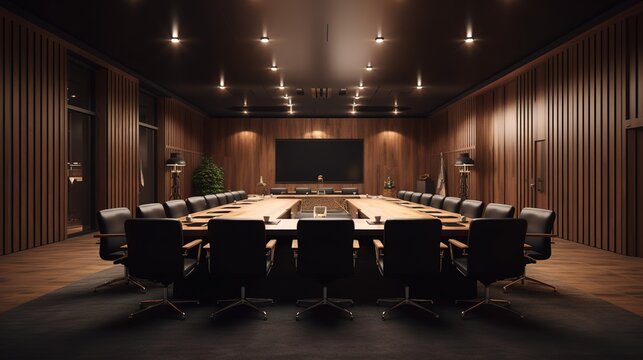
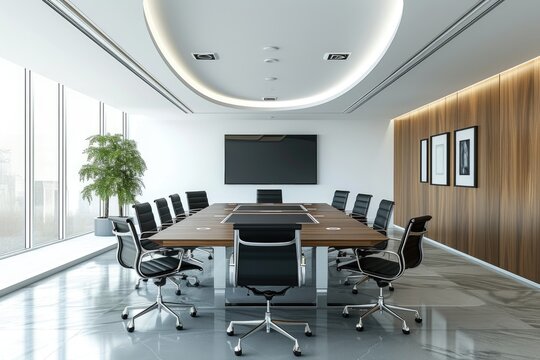
Purpose: Departmental meetings or client presentations.
Typical Equipment:
- Dual displays (65″–75″) — one for video, one for content
- Dedicated AV rack with codec or PC
- Multiple microphones and ceiling speakers
- PTZ camera with tracking capability
- Touch control interface (Crestron, Extron, or Teams/Zoom controller)
- Cable management and power integration in table
Large Conference Room / Boardroom (15–30+ People)
| Attribute | Details |
|---|---|
| Capacity | ~15-30+ people (depending on layout) |
| Typical Equipment | Dual large displays (75″-98″) or LED video wall; multi-camera setup with speaker tracking; ceiling mic arrays; DSP (digital signal processor) for audio; full control system (lighting, shades, AV control panel); possibly confidence monitor for presenter. |
| Recommended Platforms | High-end Zoom Rooms, Teams Rooms, Webex Rooms — plus integration with more complex AV systems. |
| Key Considerations | These rooms often have large budgets, high expectations. Need to maximize remote participation experience: ensure large screen shows remote participants clearly, spatial audio, no participant hidden behind camera. In-room participants must feel the technology is seamless. Design matters. Webex Blog+1 |
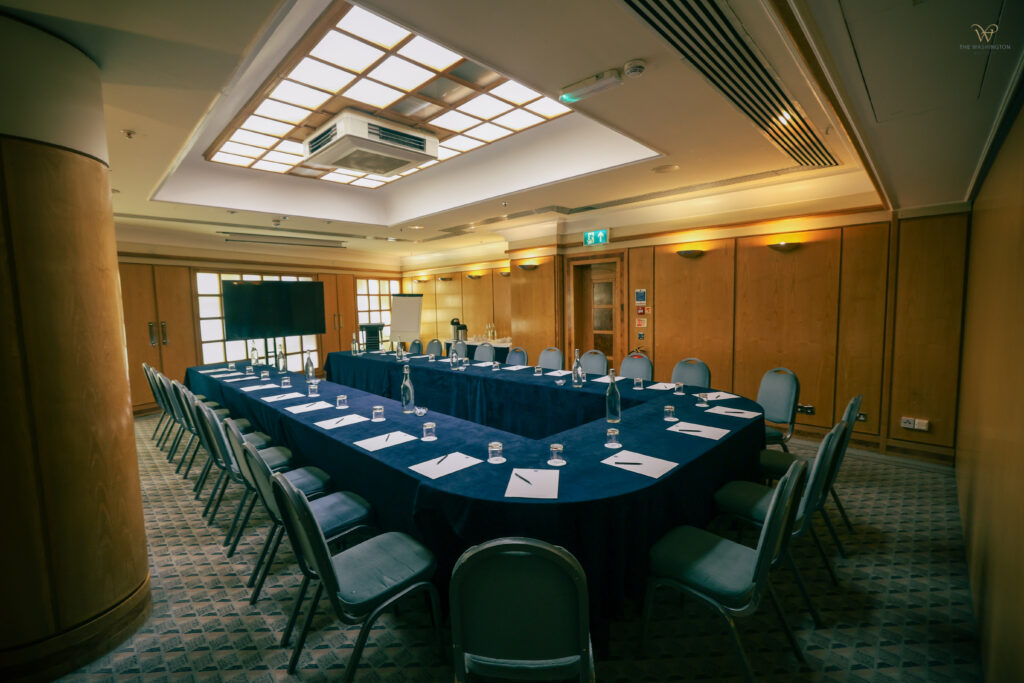


Purpose: Cross-department or executive meetings, boardrooms.
Typical Equipment:
- Dual 75″–98″ displays or LED wall
- Multi-camera setup with speaker tracking
- Ceiling array microphones
- DSP (Digital Signal Processor) for echo cancellation
- Room automation (lighting, shades, audio levels)
- Control system (Crestron, AMX, Extron)
- Confidence monitor for presenter
Training/Hybrid Classroom & Multipurpose Rooms
| Attribute | Details |
|---|---|
| Capacity | Varies — from 20 up to 50+ depending on layout |
| Typical Equipment | Projection system or large LED wall; cameras for stage + audience; microphone system (wireless, lavalier, audience mics); streaming/recording equipment; wireless presentation sharing; room partitioning systems; scheduling & signage. |
| Recommended Platforms | Zoom Webinar, Teams Live Event, Webex Events — plus AV broadcast or lecture capture systems. |
| Key Considerations | This is more like a hybrid event space than a simple meeting room: consider latency, content sharing, remote student/user experience, camera view to audience, mic pickup from audience. The design must accommodate both local and remote participants seamlessly. |
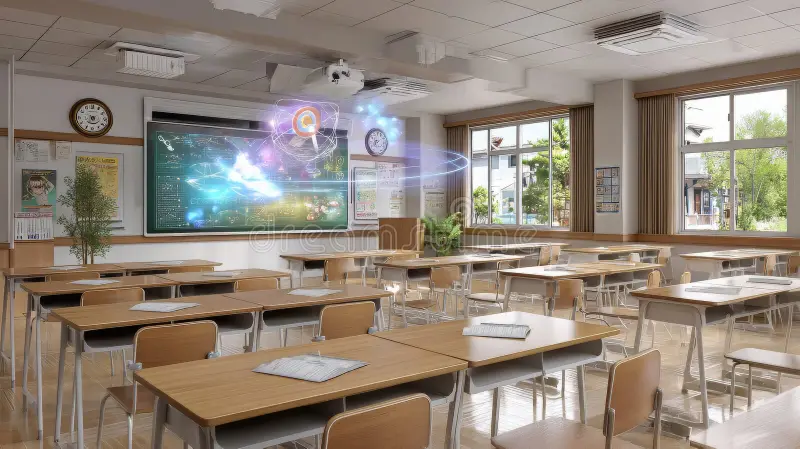

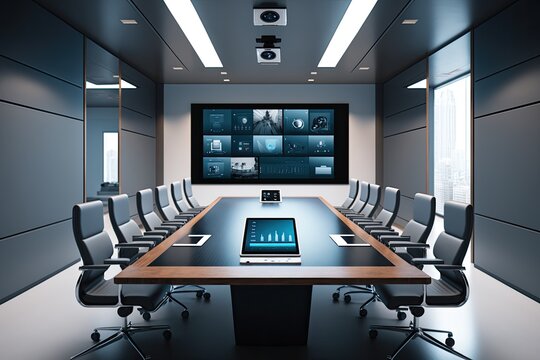
Purpose: Remote education, onboarding, or hybrid training sessions.
Typical Equipment:
- 1–3 displays or projection system
- Instructor tracking camera
- Boundary microphones
- Wireless presentation systems
- Remote participant monitor
- Learning management system integration